Grid Fieldtype
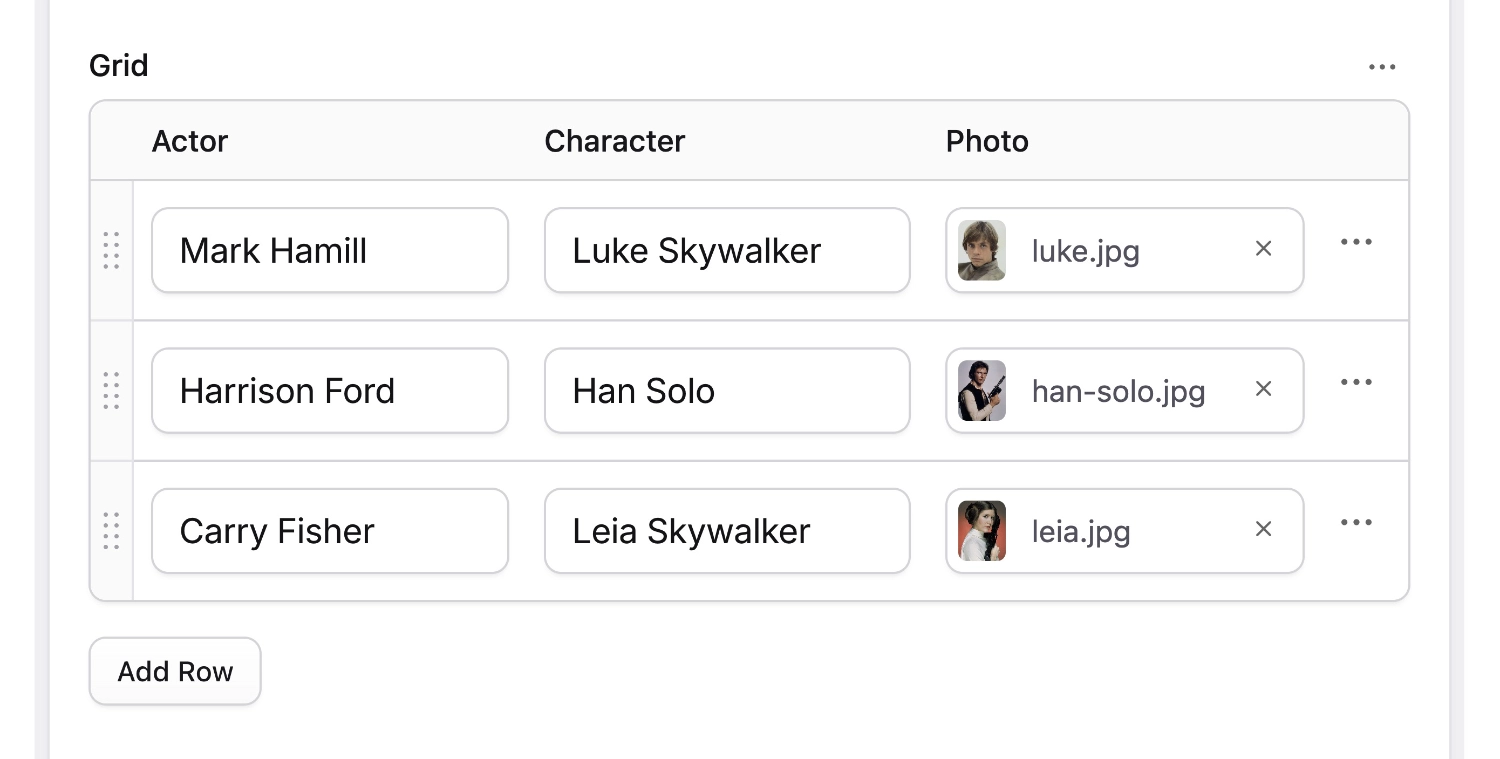
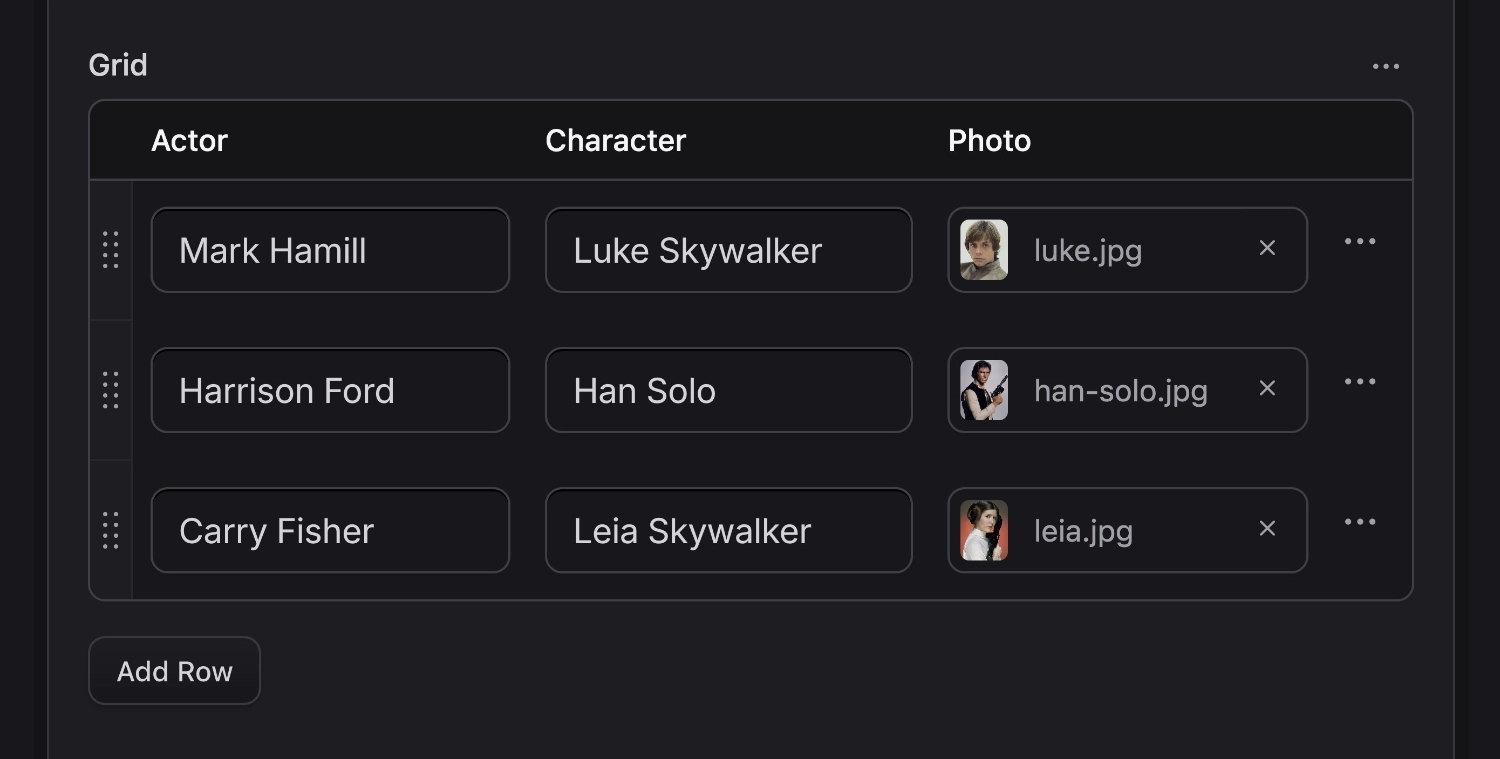
The grid fieldtype is a meta fieldtype, a fieldtype that serves as a container for more fieldtypes. Any fieldtypes. Think of Grid as a spreadsheet, where each column contains any fieldtype, including another Grid. We lovingly refer to these as Inception Grids. Let's go deeper.
Fieldtypes#
You can use any fieldtypes inside a Grid. Just remember that because you can doesn't mean you should. Your UI experience will vary greatly. Make sure to compare the experience with the other meta-fields: Replicator and Bard.
Data Structure#
The Grid field creates a YAML collection (associative array).
Templating#
The example below would have the following data which can be looped through as a tag pair with access to the column data as variables.
cast:
  -
    actor: Mark Hamill
    character: Luke Skywalker
  -
    actor: Harrison Ford
    character: Han Solo
<h3>Star Wars Cast</h3>
<ul>
    {{ cast }}
        <li>{{ character }} played by {{ actor }}</li>
    {{ /cast }}
</ul>
<h3>Star Wars Cast</h3>
<ul>
	@foreach ($cast as $role)
	<li>{{ $role->character }} played by {{ $role->actor }}</li>
	@endforeach
</ul>
<h3>Star Wars Cast</h3>
<ul>
    <li>Luke Skywalker played by Mark Hamill</li>
    <li>Han Solo played by Harrison Ford</li>
</ul>
Options
min_rows
integer *0*
The minimum number of required rows.
max_rows
integer
The maximum number of rows allowed. Once reached the `Add Row` button will disappear.
fields
array
A list of fields, each of which create their own column.
mode
string *table*
The Grid is displayed as a table by default. If you have a large number of columns it can get pretty crowded. Choose `stacked` mode to group rows similar to [Replicator](/fieldtypes/replicator). When [Sneak Peek]() is enabled, Grids automatically toggle into stacked mode.
add_row
string
The `Add Row` button's label.
reorderable
string
Enable row reordering. Default: `true`.