Replicator Fieldtype
The Replicator is a meta fieldtype giving you the ability to define sets of fields that you can dynamically piece together in whatever order and arrangement you imagine. You can build long-form articles like Medium.com and take advantage of the extra markup control.
It's so much better than a WYSIWYG field.
Usage#
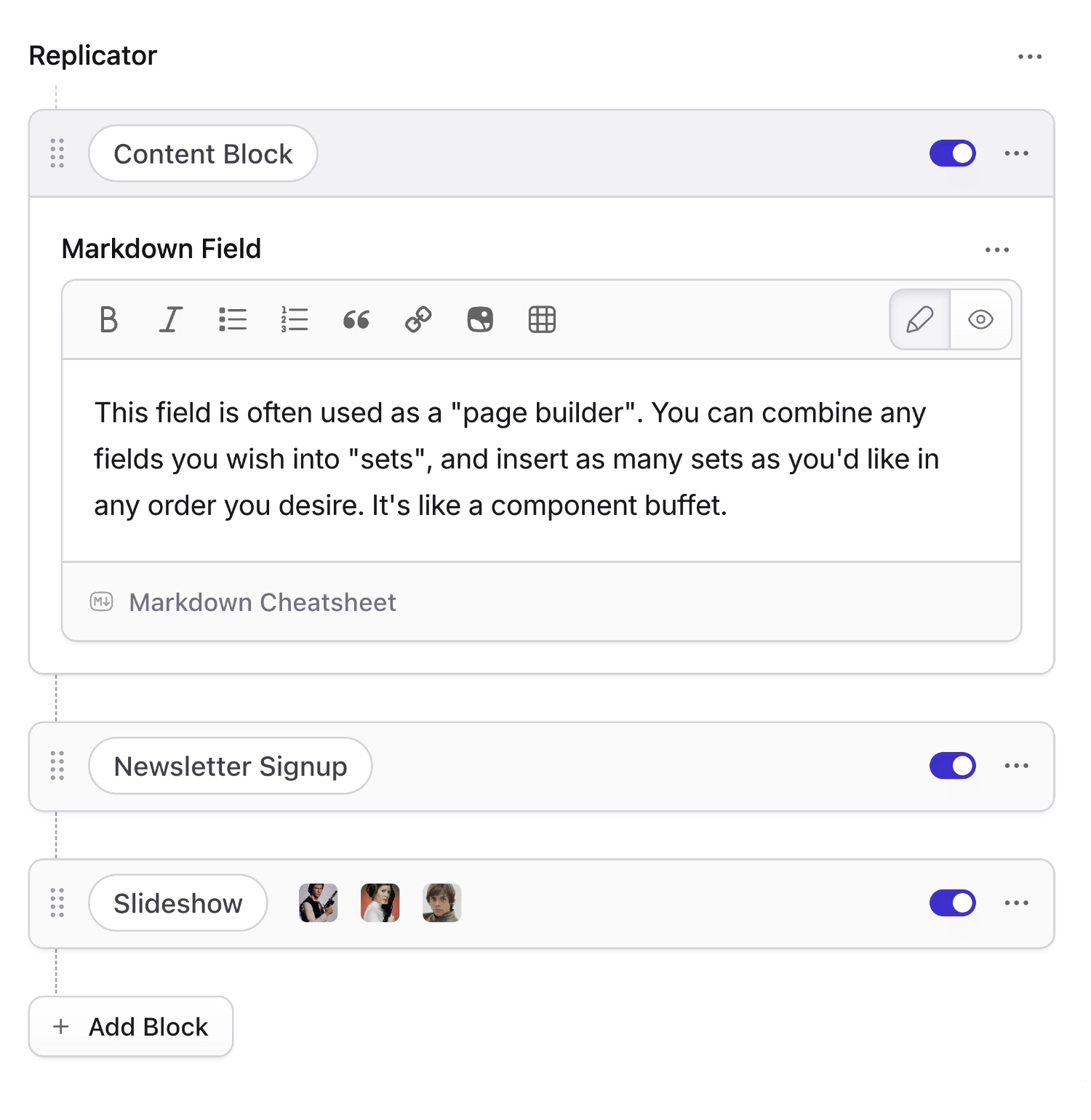
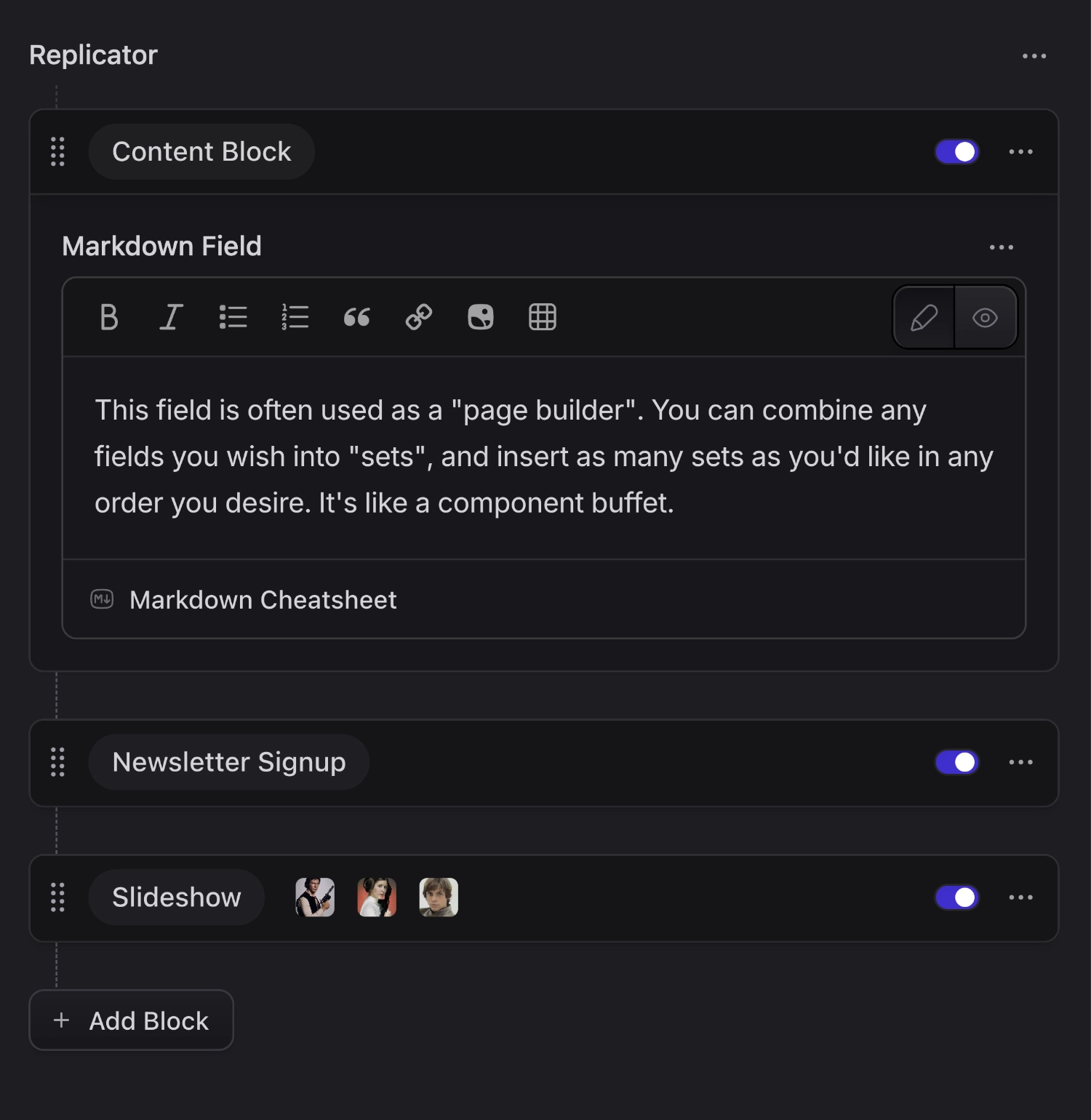
You will be presented with a button for each set you’ve defined. Clicking one will replicate an empty set. You can replicate a single set type as many times as you like as well as dragging and dropping them to adjust their order.
You may collapse your sets to conserve space. If you do, a preview of the data contained within it will be displayed. Third party fieldtypes may control how their data will be previewed. You can prevent certain fields being shown in the preview text by adding replicator_preview: false.
The following fieldset YAML is an example of what could be used to construct the Replicator shown in the screenshot above:
fields:
  my_replicator_field:
    type: replicator
    display: Replicator
    sets:
      text:
        display: Text
        fields:
          text:
            type: markdown
      image:
        display: Image
        fields:
          photo:
            type: assets
            container: main
            max_files: 1
          caption:
            type: text
      quote:
        display: Pull Quote
        fields:
          text:
            type: text
          cite:
            type: text
          pull:
            type: radio
            options:
              left: Left Align
              right: Right Align
Set Previews#
New to Statamic v6, you can add an image preview of your set, as well as an icon. Previews make it easy to identify sets by showing a screenshot of what the rendered set might look like on the front-end. Clients can now say “ah, that one” without pretending to know the names you carefully gave them.
Configuring Set Previews#
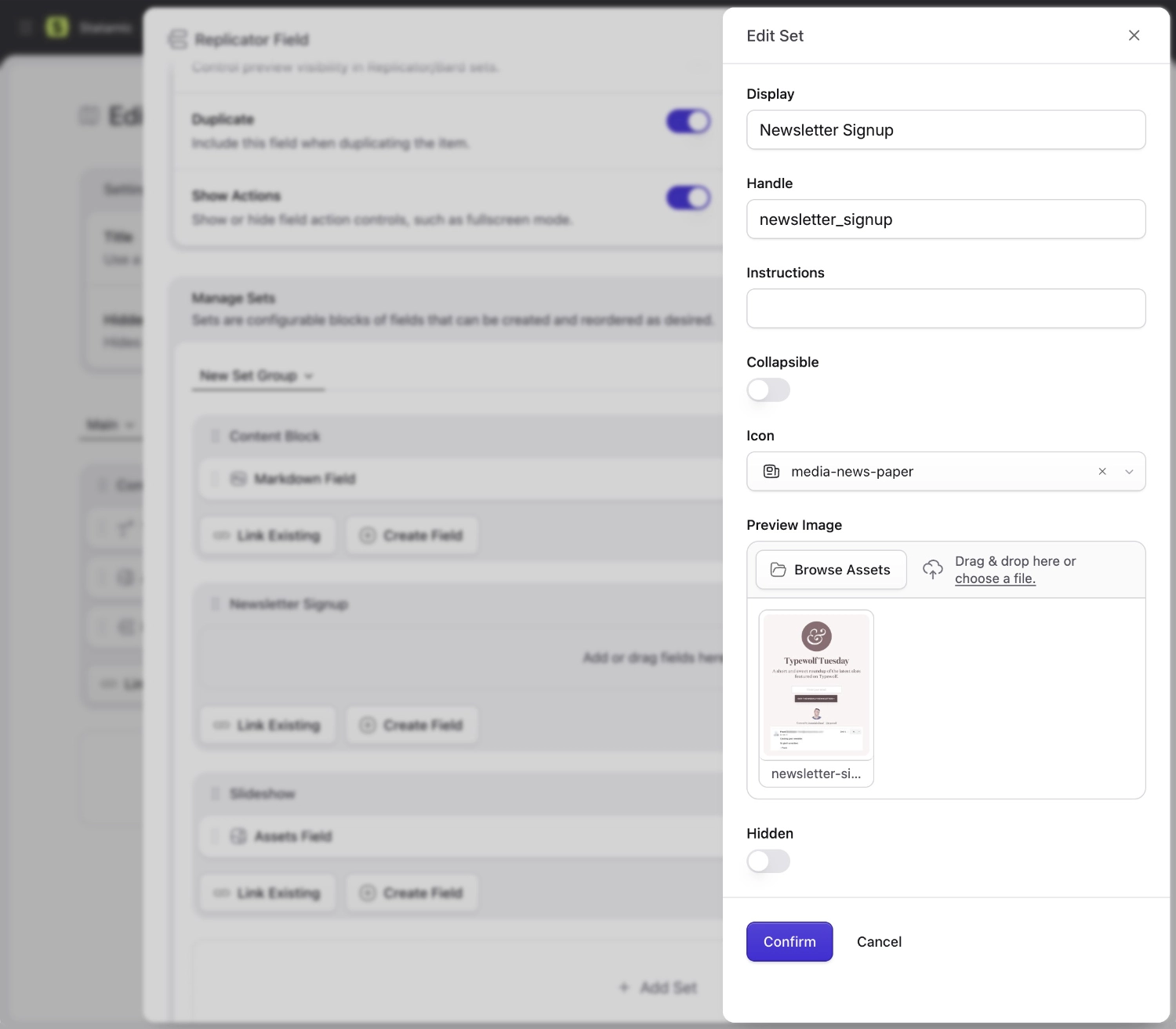
To add a set preview, click the little "pencil" icon next to the set name.
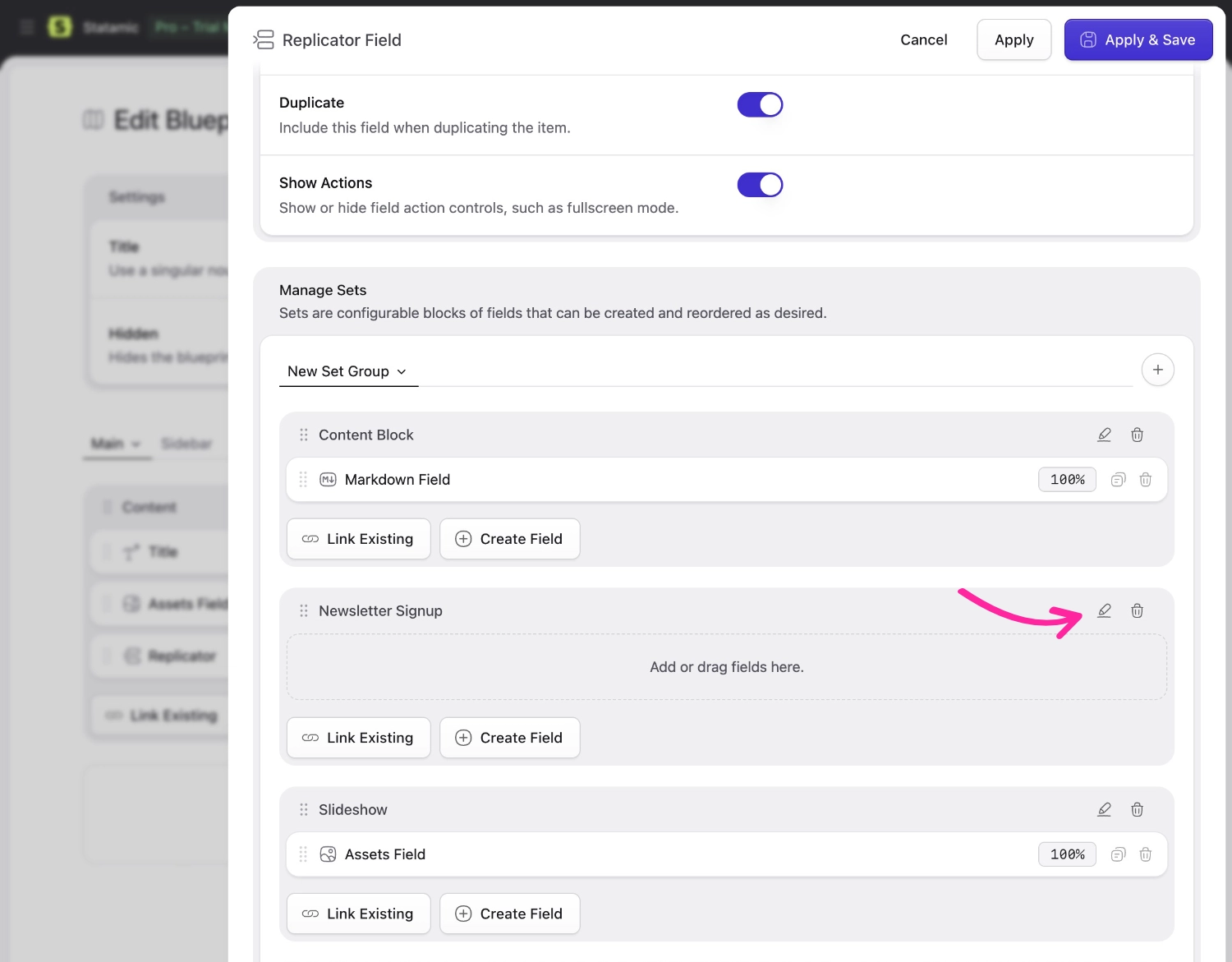
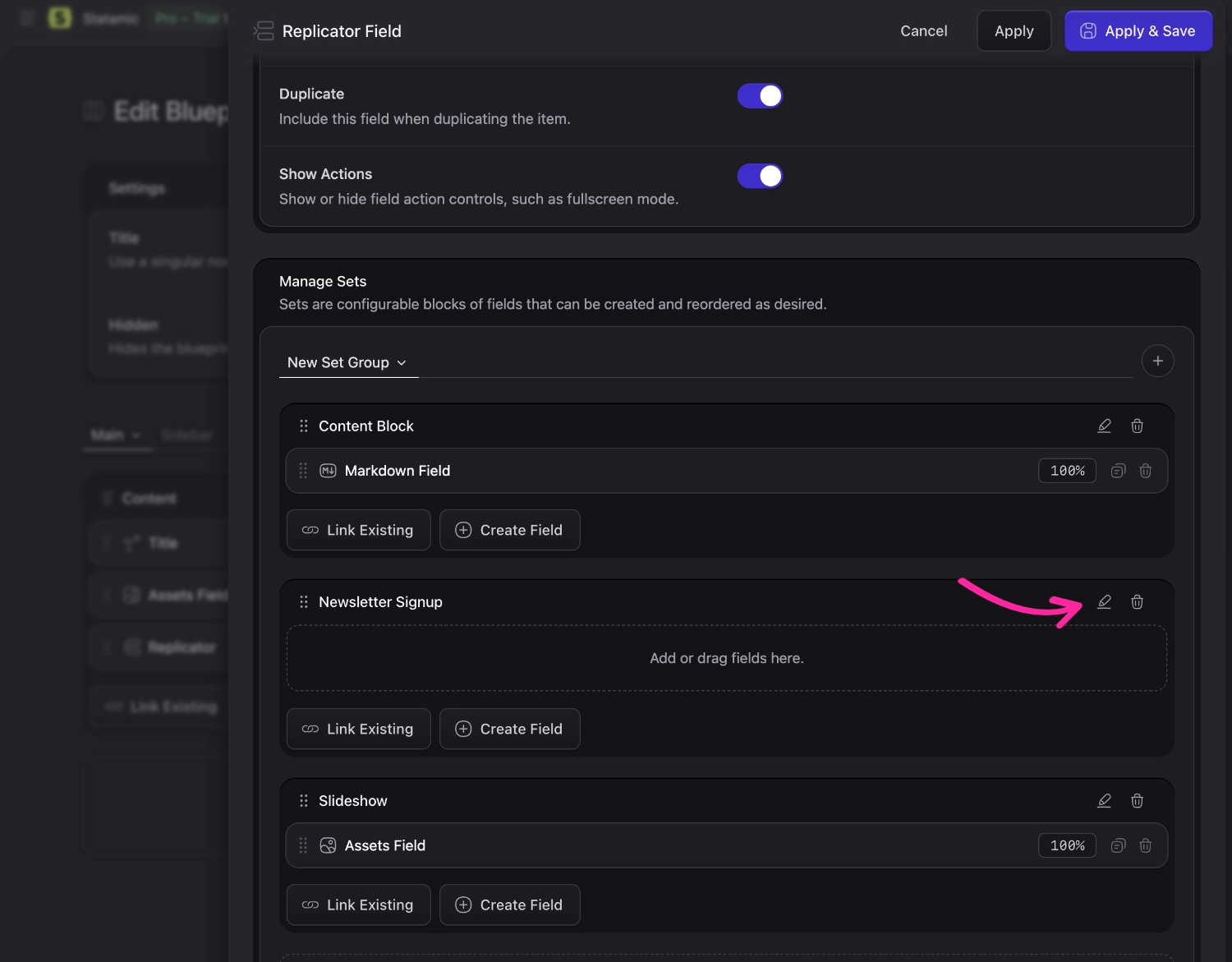
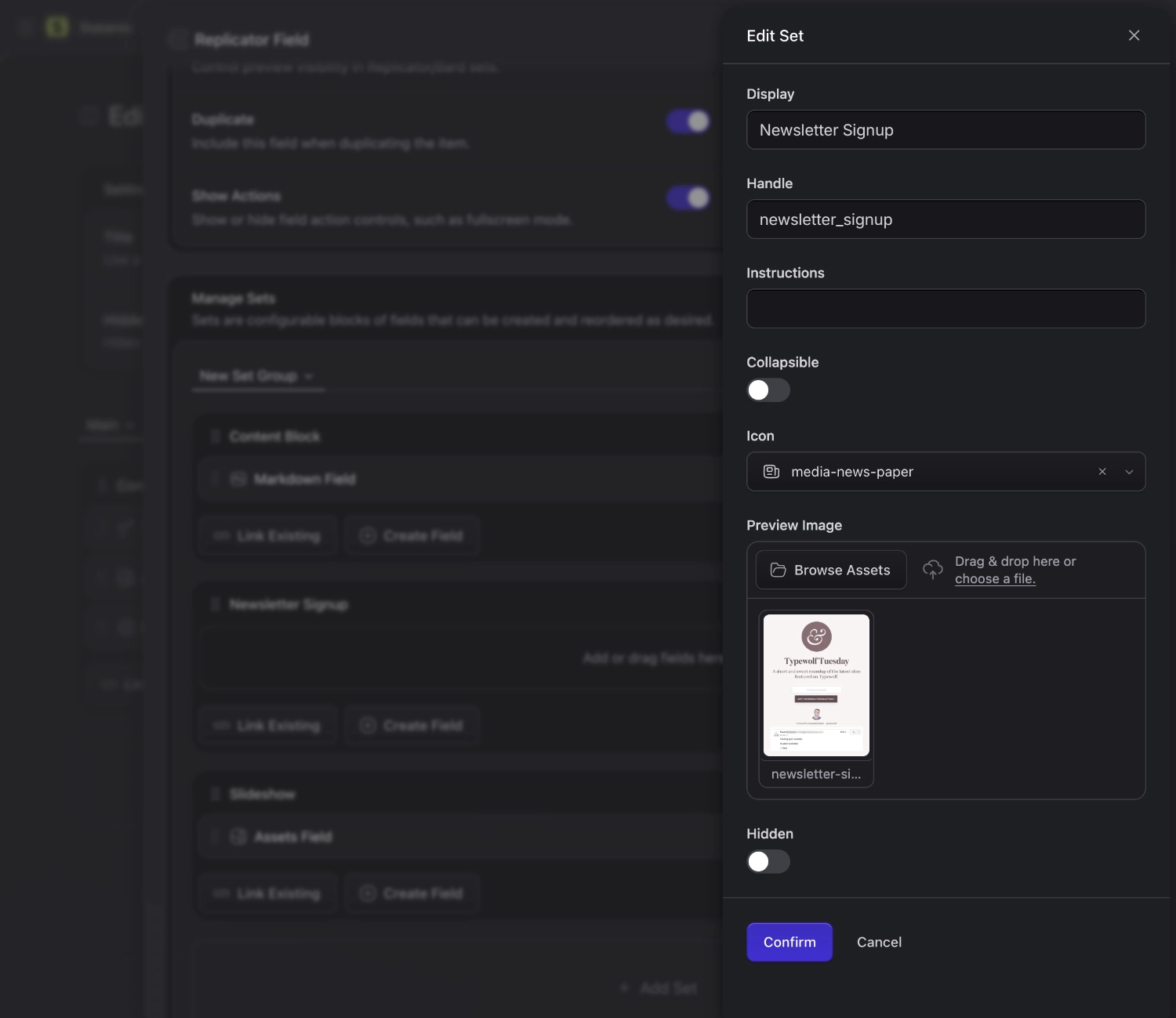
Once you're in the set editor, you can add a preview image and icon. Here we're showing a lovely screenshot of what the newsletter signup form might look like on the front-end. We can even add some instructions to explain how the set is used.
Set Previews in Action#
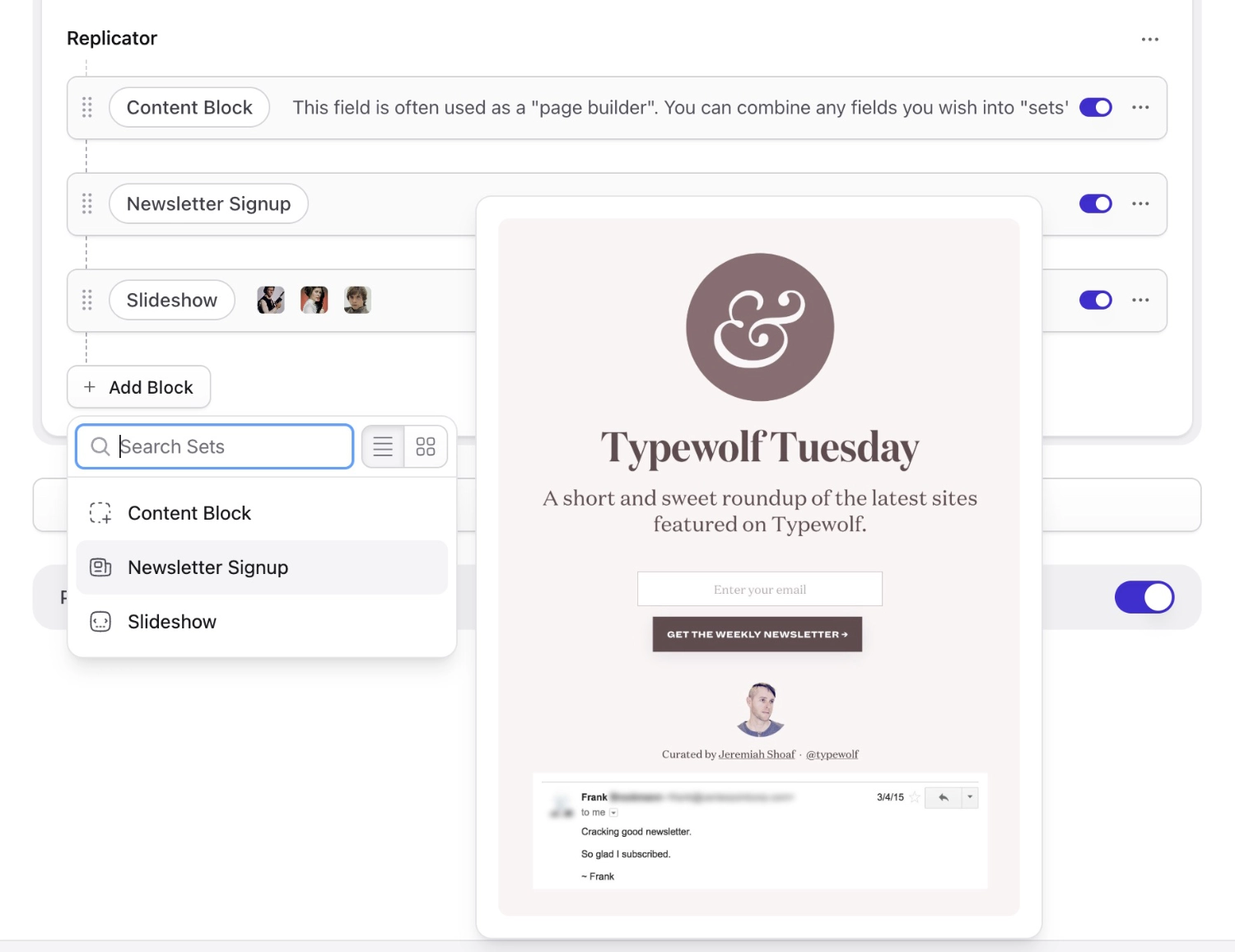
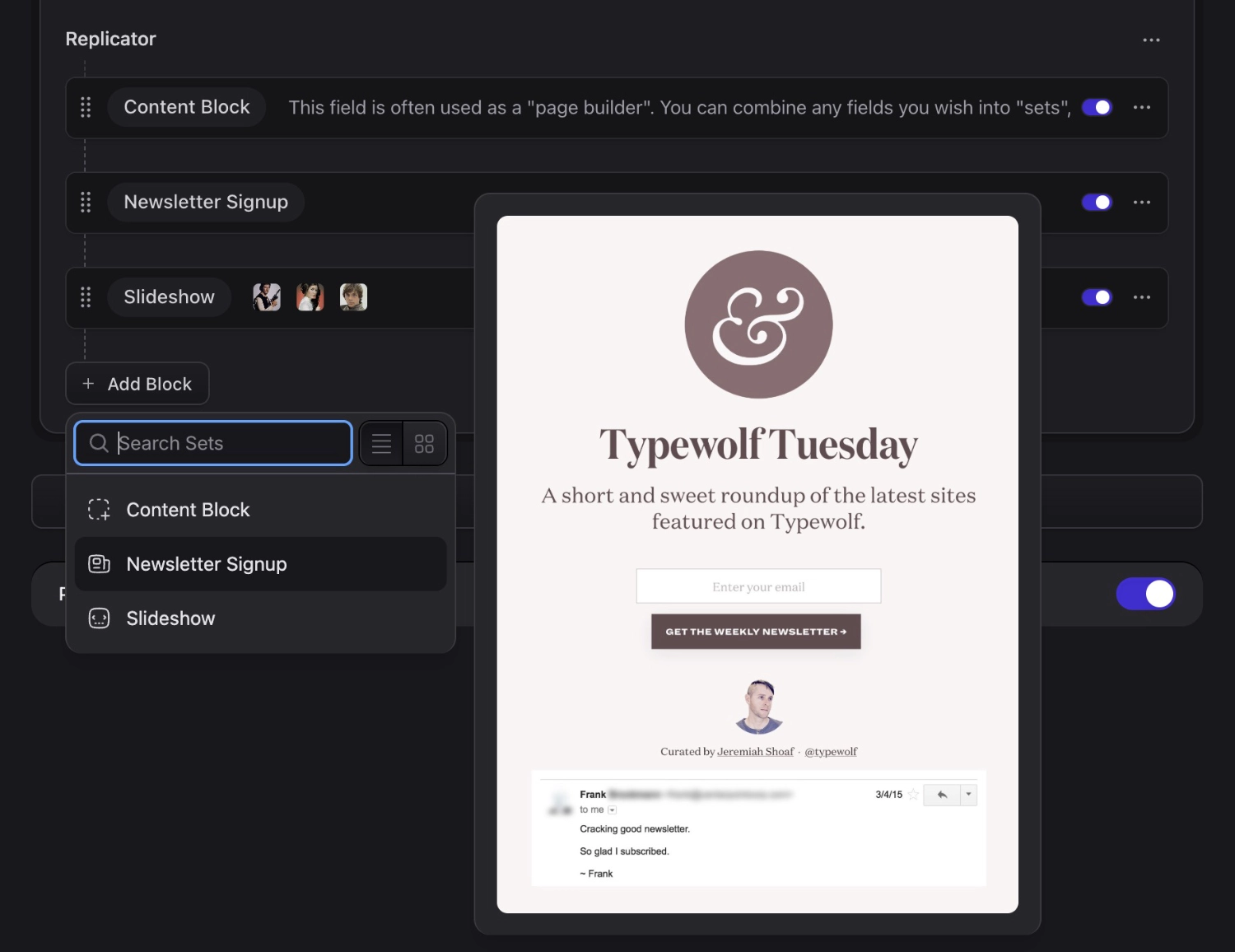
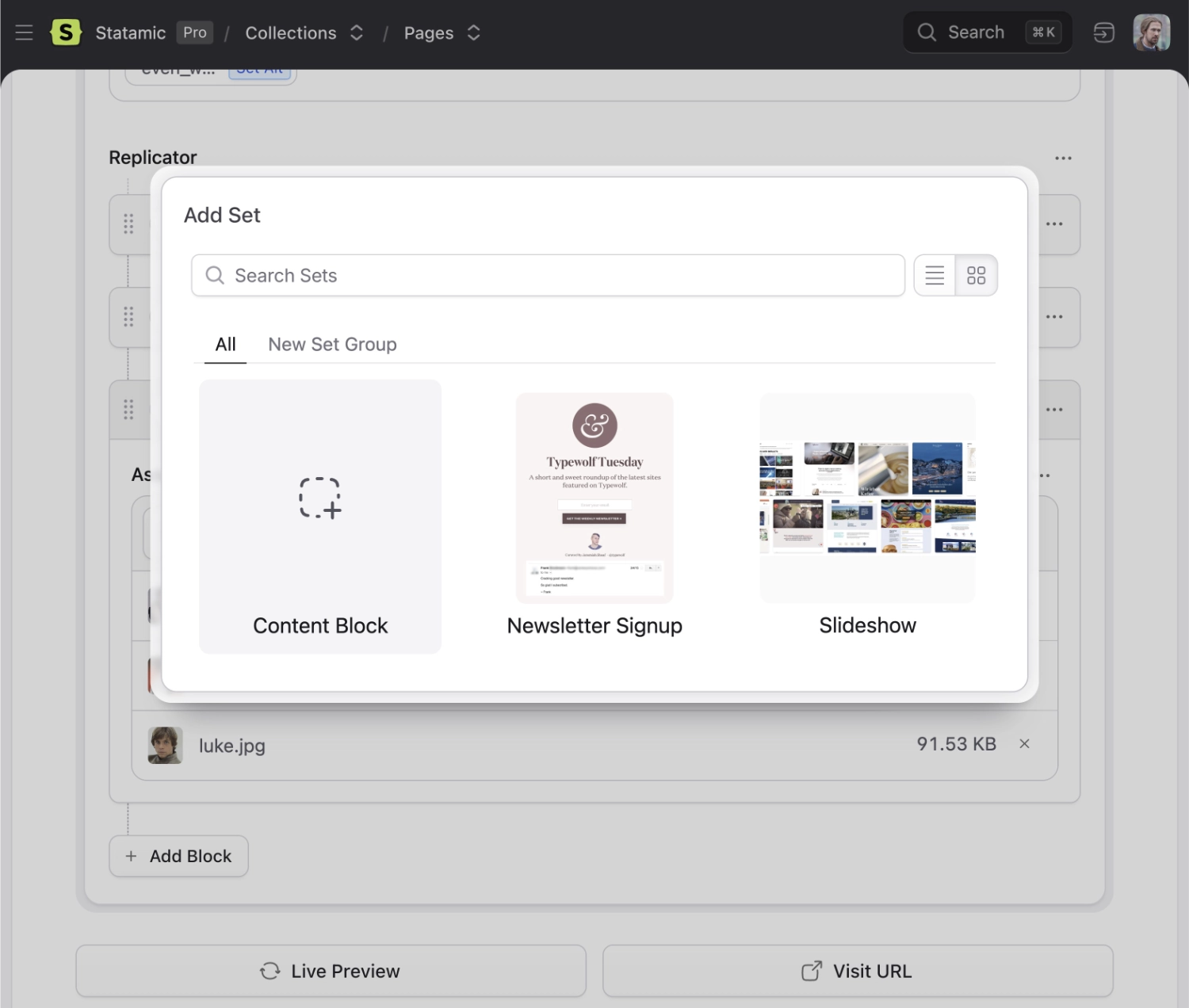
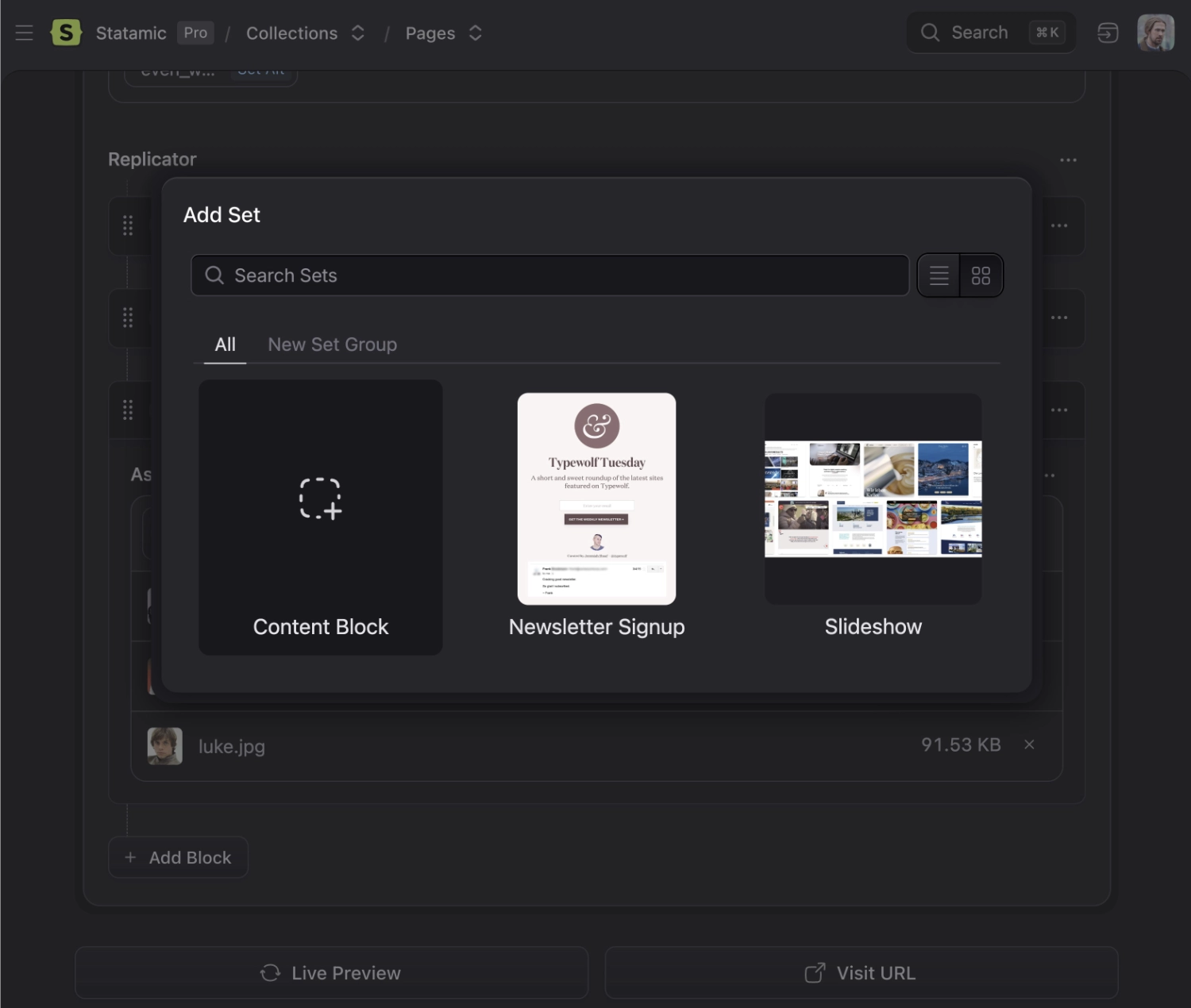
Once you've set a preview image, users adding a replicator set can hover over the set to preview what it might look like on the frontend.
You can view previews in two different UI modes: in a list of set names, or in a grid of sets with their preview images.
Fieldtypes#
You can use any fieldtypes inside your Replicator sets. Make sure to compare the experience with the other meta-fields: Grid and Bard.
Data Structure#
Replicator stores your data as an array with the set name as type.
my_replicator_field:
  -
    type: text
    text: "Let's talk about the best new show from 2017!"
  -
    type: image
    photo: /assets/night-manager.jpg
    caption: The Night Manager
  -
    type: quote
    text: Such fear, such dread, and such a dazzling script.
    cite: Deborah Ross
    pull: right
Please note that you cannot use a Replicator fieldtype for the content field.

Templating#
Use the tag pair syntax with an if/else conditions to style each set accordingly.
{{ my_replicator_field }}

  {{ if type == "text" }}

    <div class="text">
      {{ text|markdown }}
    </div>

  {{ elseif type == "quote" }}

    <blockquote>{{ text }}</blockquote>
    <p>— {{ cite }}</p>

  {{ elseif type == "image" }}

    <figure>
      <img src="{{ photo }}" alt="{{ caption }}" />
      <figcaption>{{ caption }}</figcaption>
    </figure>

  {{ /if }}

{{ /my_replicator_field }}
@foreach($my_replicator_field as $set)
	@if ($set->type === 'text')
		<div class="text">
			{!! Statamic::modify($set->text)->markdown() !!}
		</div>
	@elseif ($set->type === 'quote')
		<blockquote>{{ $set->text  }}</blockquote>
		<p>— {{ $set->cite }}</p>
	@elseif ($set->type === 'image')
		<figure>
			<img src="{{ $set->photo }}" alt="{{ $set->caption }}" />
			<figcaption>{{ $set->caption }}</figcaption>
		</figure>
	@endif
@endforeach
An alternative, and often cleaner, approach is to have multiple 'set' partials and do:
{{ my_replicator_field }}
  {{ partial src="sets/{type}" }}
{{ /my_replicator_field }}
By using [...$set], you can access the set variables within the set's Blade file without having to reference $set for each variable.
For example, {!! $set->text !!} becomes {!! $text !!}.
@foreach ($my_replicator_field as $set)
	@include('fieldtypes.partials.sets.'.$set->type, [...$set])
@endforeach
Then inside your partials directory you could have:
resources/views/partials/sets/
  text.antlers.html
  quote.antlers.html
  image.antlers.html
resources/views/partials/sets/
  text.blade.php
  quote.blade.php
  image.blade.php
and the image set partial may look something like:
{{# this is image.antlers.html #}}

<img src="{{ image }}" alt="{{ caption }}" >
{{-- this is image.blade.php --}}
<figure>
	<img src="{{ $photo }}" alt="{{ $caption }}" />
	<figcaption>{{ $caption }}</figcaption>
</figure>
Custom set icons#
You can change the icons available in the set picker by configuring an icon set in a service provider.
For example, you can drop this into your AppServiceProvider's boot method:
use Statamic\Fieldtypes\Sets;

public function boot()
{
    Sets::useIcons('heroicons', resource_path('svg/heroicons'));
}